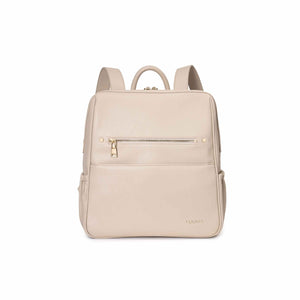
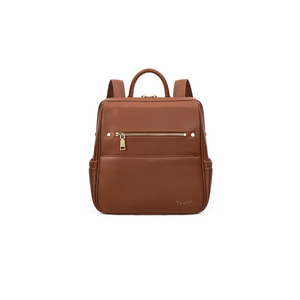
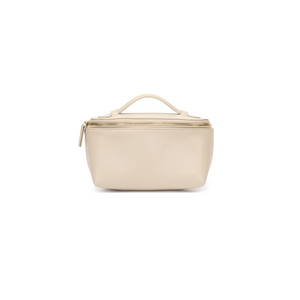
A little something, just for you

BalanceCheck your balance
- Open your gift card email and tap View gift card. Your current balance is shown right on the card.
- Or head to checkout and enter your code. The amount it covers, and what's left, is shown before you pay.